Planning in the browser, with your agent
diazo
Plan a change with your agent, one decision at a time.
diazo opens a planning page in your browser beside the agent session you are working in. The agent writes up the start and the questions. You answer on the page. What you decide becomes a spec, then plans, then the build, and the page keeps the record of why each choice was made.
Get diazo goes to its price on subaud.tools. After you buy, your account page has the line to paste to your agent on each machine.
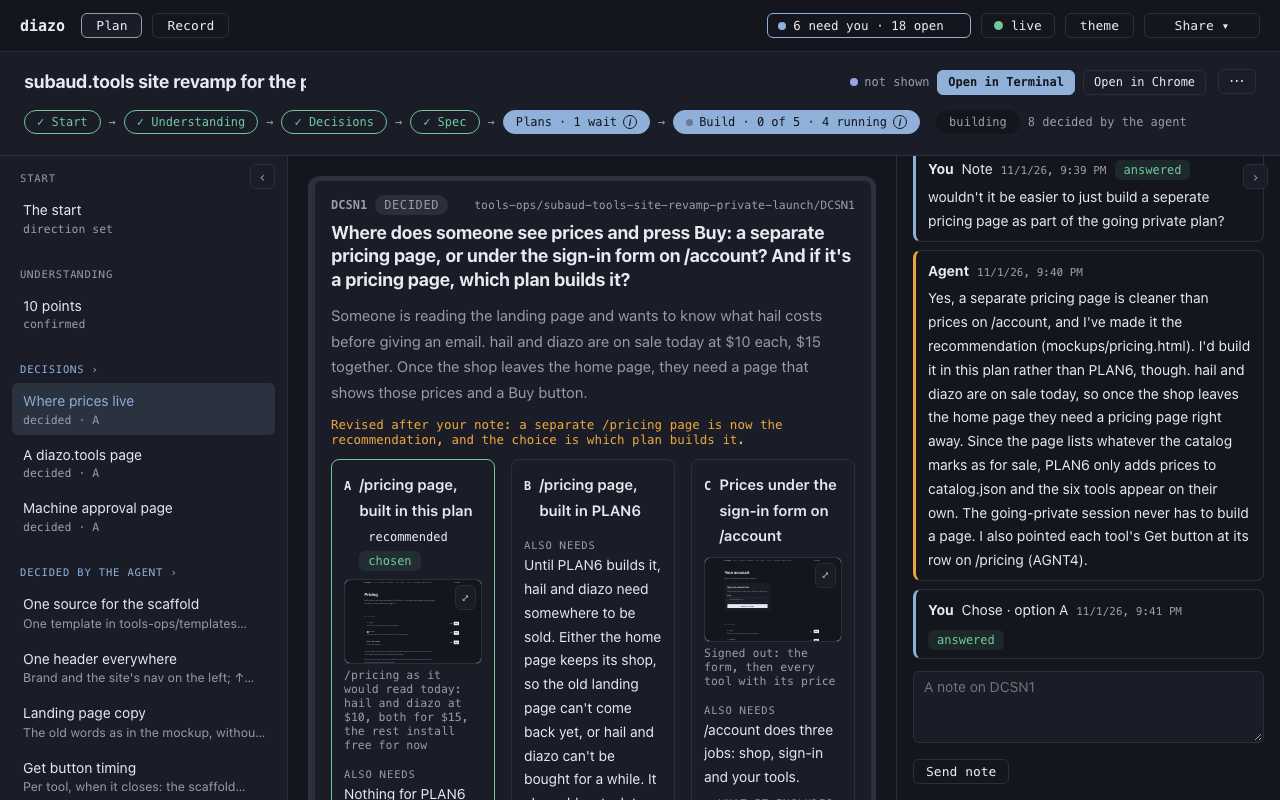
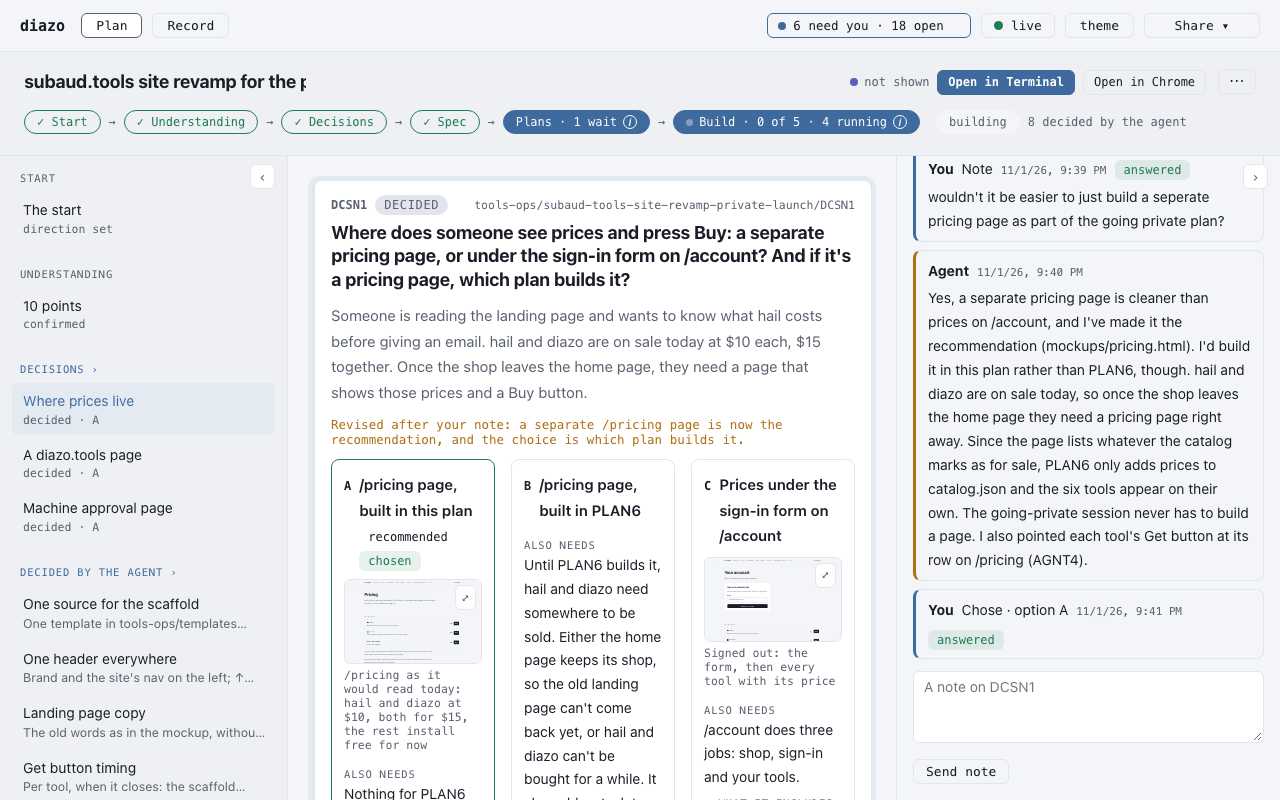
on the page
From the first ask to the build.
start
You say what you want in your own words. The agent looks into it and comes back with what it found, where it found it, and one direction it recommends.
decisions
Each open question becomes a card with its options, what each one pulls in, and the agent's recommendation. You pick one, or leave a note and the agent revises the card.
spec
Your decisions become a spec. Each section names the decisions it rests on, and you approve it as written.
plans
The spec splits into plans, each with its tasks and the checks that show a task is done. You approve each plan before anything is built.
build
The agent builds plan by plan and reports each task on the page with its result. If something it rests on changes, the page shows what needs another look.
diazo runs on your machine. The page is served locally, and the record is plain files in your repo: the spec, the plans and every decision, so the next session can pick it up.